


Description
When your Epson L series printer suddenly refuses to cooperate—throwing a “Service Required” message or waste ink pad error—this resetter brings it back to life. No technician drama. No delays. No extra costs.
Compatible Epson L Models
The following are the compatible Epson L series printers you can reset using this tool. If your printer model is not on the list, use the search button to find your suitable resetter.
- Epson L100
- Epson L101
- Epson L110
- Epson L111
- Epson L120
- Epson L121
- Epson L130
- Epson L200
- Epson L201
- Epson L210
- Epson L211
- Epson L220
- Epson L300
- Epson L301
- Epson L303
- Epson L310
- Epson L311
- Epson L350
- Epson L351
- Epson L353
- Epson L355
- Epson L358
- Epson L360
- Epson L361
- Epson L363
- Epson L365
- Epson L375
- Epson L395
- Epson L455
- Epson L475
- Epson L500
- Epson L510
- Epson L520
- Epson L540
- Epson L550
- Epson L551
- Epson L555
- Epson L561
- Epson L563
- Epson L565
- Epson L655
- Epson L800
- Epson L801
- Epson L805
- Epson L810
- Epson L811
- Epson L850
- Epson L1300
- Epson L1800
and others as listed on the product images.
Link to purchase all series (WIC Reset) Keys
Other Epson Printer Resetters Links available here
Resetters for other L-series printers
⚠️ Important: This resetter ONLY works for the exact printer models shown in the product images. If your model is not displayed there, it is not supported.
What It Does
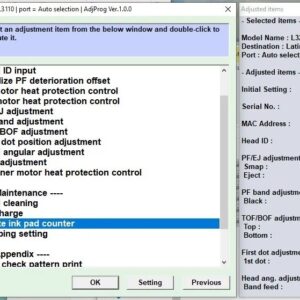
- Resets the internal waste ink pad counter
- Restores full printer functionality
- Works on Windows PCs
Key Features
✔ Unlimited resets
✔ Simple and beginner-friendly
✔ Instant digital download
✔ Extract with WinRAR
✔ Includes step-by-step instructions
How It Works
- Download the resetter file
- Extract using WinRAR
- Run the program
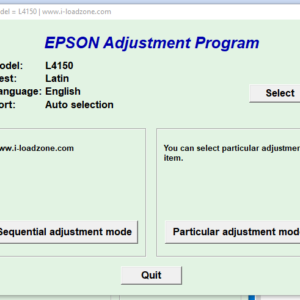
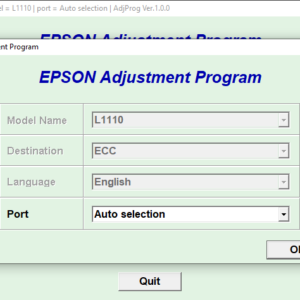
- Select your Epson L printer model
- Click Reset — done
What You Get
- Epson L Series Adjustment Program (Reset Tool)
- Step-by-step PDF guide
Important Notes
- Digital product only (no physical item)
- Windows only
- USB connection recommended for best results

Reviews
There are no reviews yet.