

Description
Your Epson PX660 Printer was working just fine… until it wasn’t.
Then out of nowhere:
- “Service Required”
- “Parts inside your printer have reached the end of their service life”
- Blinking lights like it’s trying to send Morse code
And just like that—your printer is locked. Dead. Useless.
Not because it’s broken…
But because Epson decided it should stop.
The Pain (Why You’re Stuck)
Here’s the truth most people don’t tell you:
Your printer isn’t damaged.
It’s been programmed to stop working once the internal waste ink counter hits a limit.
That’s it.
You could take it for repair and get charged like you’re buying a new one…
Or worse—replace the whole printer.
All for something that takes minutes to fix.
The Solution (What This Resetter Does)
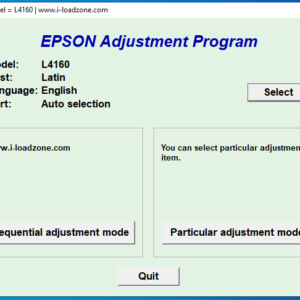
This resetter removes that artificial lock and brings your printer back to life.
No parts.
No technician.
No guesswork.
Just:
- Reset the waste ink counter
- Clear the error
- Get your printer printing again
Like nothing ever happened.
What You Actually Get
This isn’t just a random file dumped on you.
You’ll receive a PDF package that includes:
✔️ Direct Download Link to the Epson PX660 Resetter tool
✔️ Step-by-Step Instructions (clear, simple, no tech jargon)
✔️ Activation guidance (if needed)
✔️ Exact process to reset your printer safely
Even if you’re not “techy,” you’ll manage this.
Why This Matters
Because without this reset:
- Your printer stays locked
- Your work stays pending
- And your money goes into unnecessary repairs
With it:
- You fix it yourself in minutes
- You save cash
- You stay in control
Before You Buy (Quick Reality Check)
This is a digital product.
No physical item will be shipped.
You’ll need:
- A Windows PC/Laptop
- A USB connection to your printer
Bottom Line
Your printer isn’t dead.
It’s just being dramatic.
This resetter cuts through the nonsense and gets it back to work—fast.



Reviews
There are no reviews yet.