

Description
When your Epson printer suddenly refuses to print and throws a “Service Required” or waste ink pad full error, it’s not dead—it’s locked.
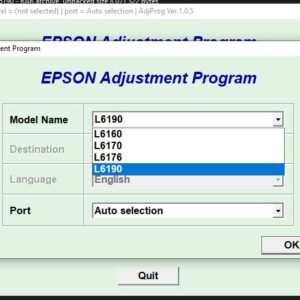
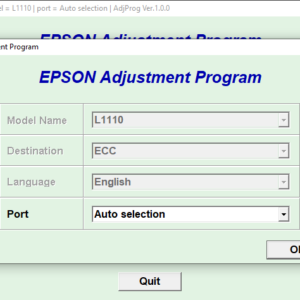
This Epson Adjustment Program is the tool that unlocks it.
What This Resetter Does
This software resets the internal waste ink pad counter on:
- Epson L382
- Epson L386
- Epson L486
Once reset, your printer goes back to normal operation—no technician, no waiting, no unnecessary costs.
Key Features
- ✔ Unlimited use (no reset limits)
- ✔ Supports multiple Epson models (L382 / L386 / L486)
- ✔ Instant activation using included key generator
- ✔ Works offline after download
- ✔ Simple step-by-step instructions included (PDF)
How It Works (Simple Flow)
- Download the resetter file
- Run the adjustment program
- Generate your license key using the included keygen
- Activate the software
- Reset the waste ink pad counter
Done. Your printer is back in business.
What You Will Receive
- Epson Adjustment Program (Reset Tool)
- Key Generator (for activation)
- Step-by-step PDF guide with instructions
Important Notes
- This is a digital download (no physical item will be shipped)
- Compatible with Windows PCs only
- Antivirus may flag the file due to keygen usage (this is common with reset tools)
- Use at your own discretion
Why This Matters
Epson locks printers after a certain number of prints—even if the hardware is still perfectly fine.
This tool removes that limitation and saves you from buying a new printer unnecessarily.


Reviews
There are no reviews yet.