


Description
Epson TX Series Resetter – Easy Printer Reset Tool
If your Epson TX series printer stops working due to a waste ink pad error or “Service Required” message, this resetter tool restores it quickly and easily. No technicians, no waiting, no unnecessary costs.
Compatible Epson TX Models
- Epson TX121
- Epson TX125
- Epson TX130
- Epson TX135
- Epson TX420
- Epson TX430
(Supports all other Epson TX series models as well)
What It Does
- Resets the internal waste ink pad counter
- Restores full printing functionality
- Works on Windows PCs
Key Features
- ✔ Unlimited resets
- ✔ Easy to use for all Epson TX models
- ✔ Digital download – instant access
- ✔ Extract with WinRAR
- ✔ Step-by-step instructions included
How It Works
- Download the resetter file
- Extract the ZIP using WinRAR
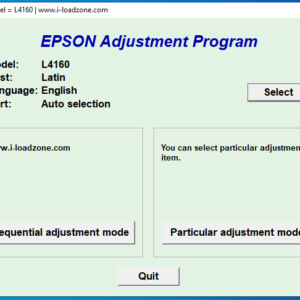
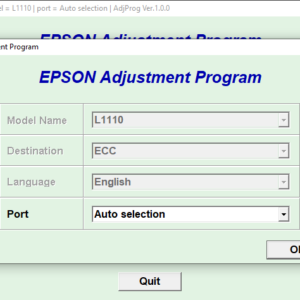
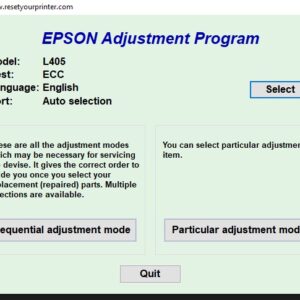
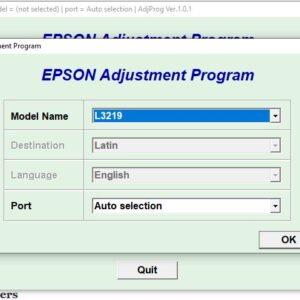
- Run the program
- Select your Epson TX printer model
- Click Reset – it’s that simple
What You Get
- Epson TX Series Adjustment Program (Reset Tool)
- Step-by-step PDF guide
Important Notes
- Digital product only (no physical item)
- Windows only
- Use a USB connection for best results
Reviews
There are no reviews yet.